Step 1
Choose Login Method
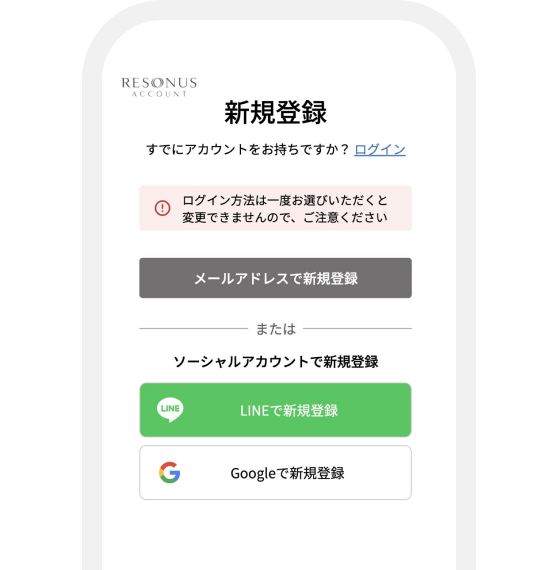
From the registration page, choose your login method.
Select email or social account registration.
* Please note that once you select a login method, it cannot be changed.

Please check the steps according to your situation.
If you are using a service but do not have a RESONUS ACCOUNT,
please follow ① Registration then ② Account Migration.
From the registration page, choose your login method.
Select email or social account registration.
* Please note that once you select a login method, it cannot be changed.
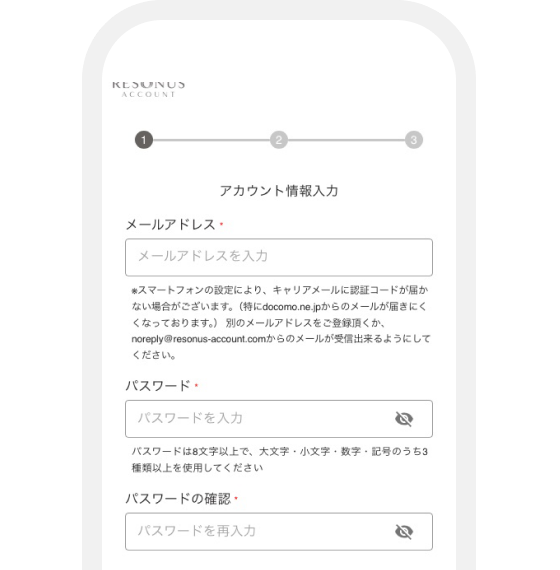
Follow the on-screen instructions to enter your account information.
* If you register with email, a verification code will be sent. Please complete verification following the on-screen instructions.
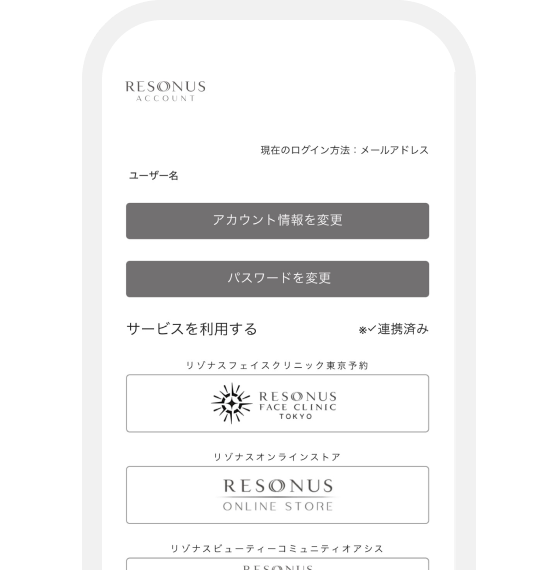
When the "Registration Complete" popup appears, you're done.
⚠️ About Account Migration
If you have used our services before, migration is required. Please check "Account Migration Steps".
* Please register for RESONUS ACCOUNT before proceeding.
▼ Jump to migration steps for each service
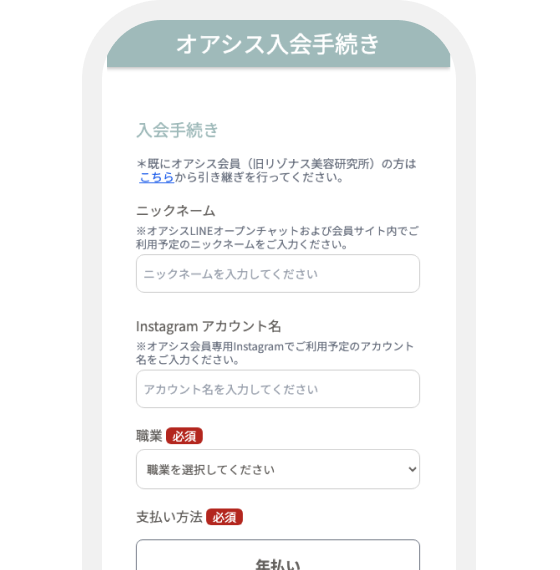
After registering RESONUS ACCOUNT, log in to the URL below.
https://member.resonus-oasis.com/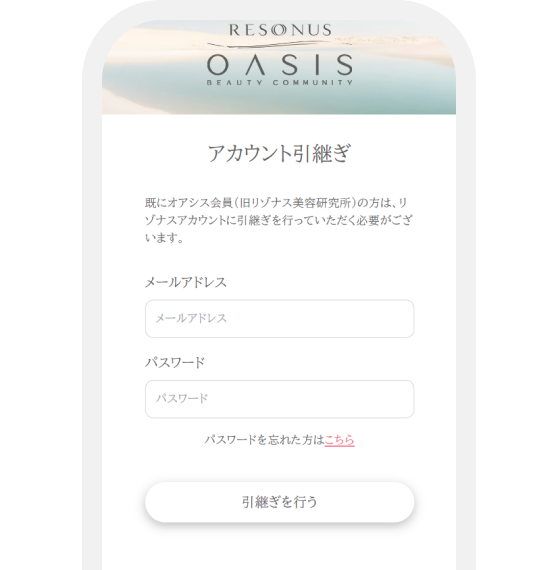
Follow the instructions and enter the email and password registered with OASIS.
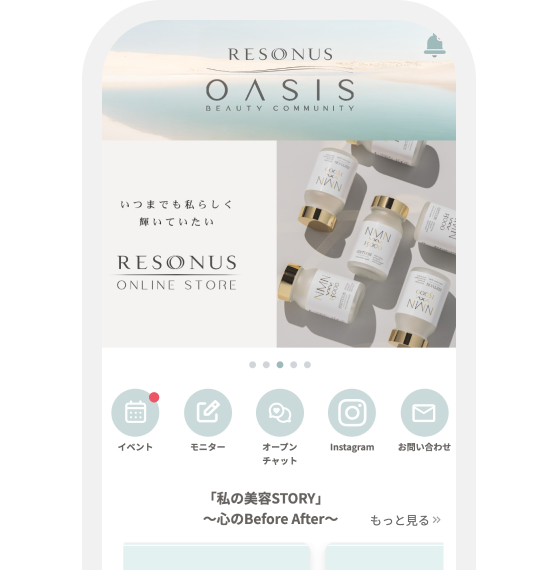
You can now use the app from your RESONUS ACCOUNT.
⚠️ About OASIS Membership Fee
If you haven't paid the membership fee, please follow the on-screen instructions to make payment.
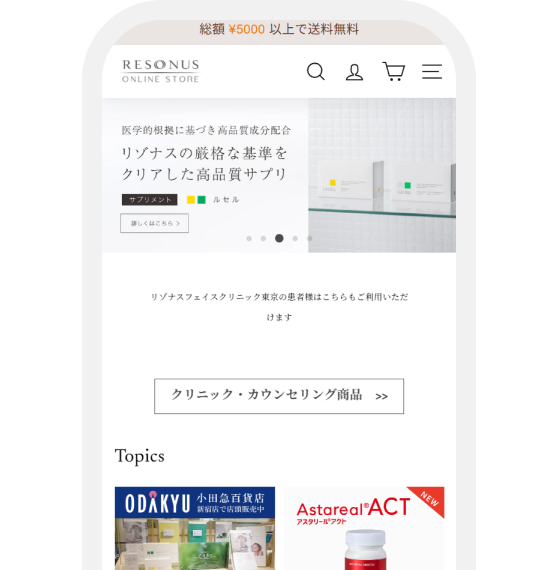
After registering RESONUS ACCOUNT, log in to the URL below.
https://resonus.myshopify.com/
Follow the instructions and enter the email and password registered with the Store.

You can now use the online store from your RESONUS ACCOUNT.
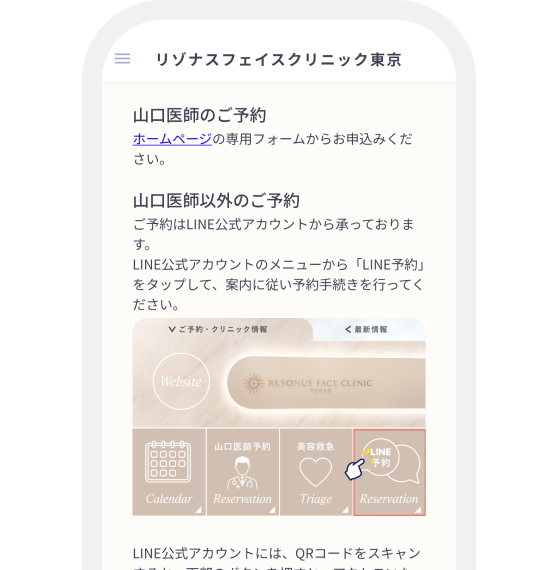
After registering RESONUS ACCOUNT, open online reservation from the LINE official account.
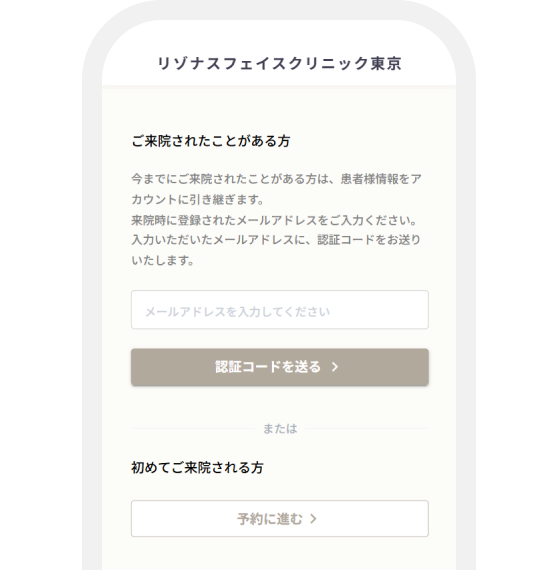
Follow the account migration instructions and enter your email address.
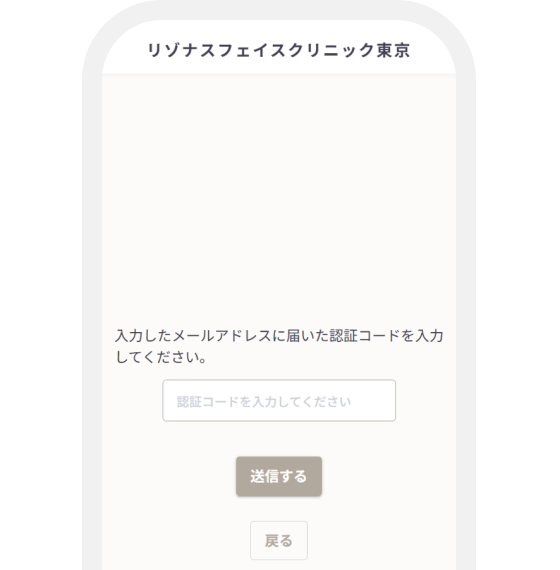
Enter the verification code sent to your email.
You can now use online reservation from your RESONUS ACCOUNT.
Q. Where can I create an account?
You can create an account on each service site (clinic, store, etc.).
Q. Is my credit card info shared automatically?
No, it is not. Payment info is managed separately for each service.
If the FAQ does not solve your problem, please contact the service you are using below